Organizational structure
The Structure screen organizes the account in two levels: companies and branches. This hierarchy is what separates portfolios, scopes reports and defines on whose behalf communications go out.
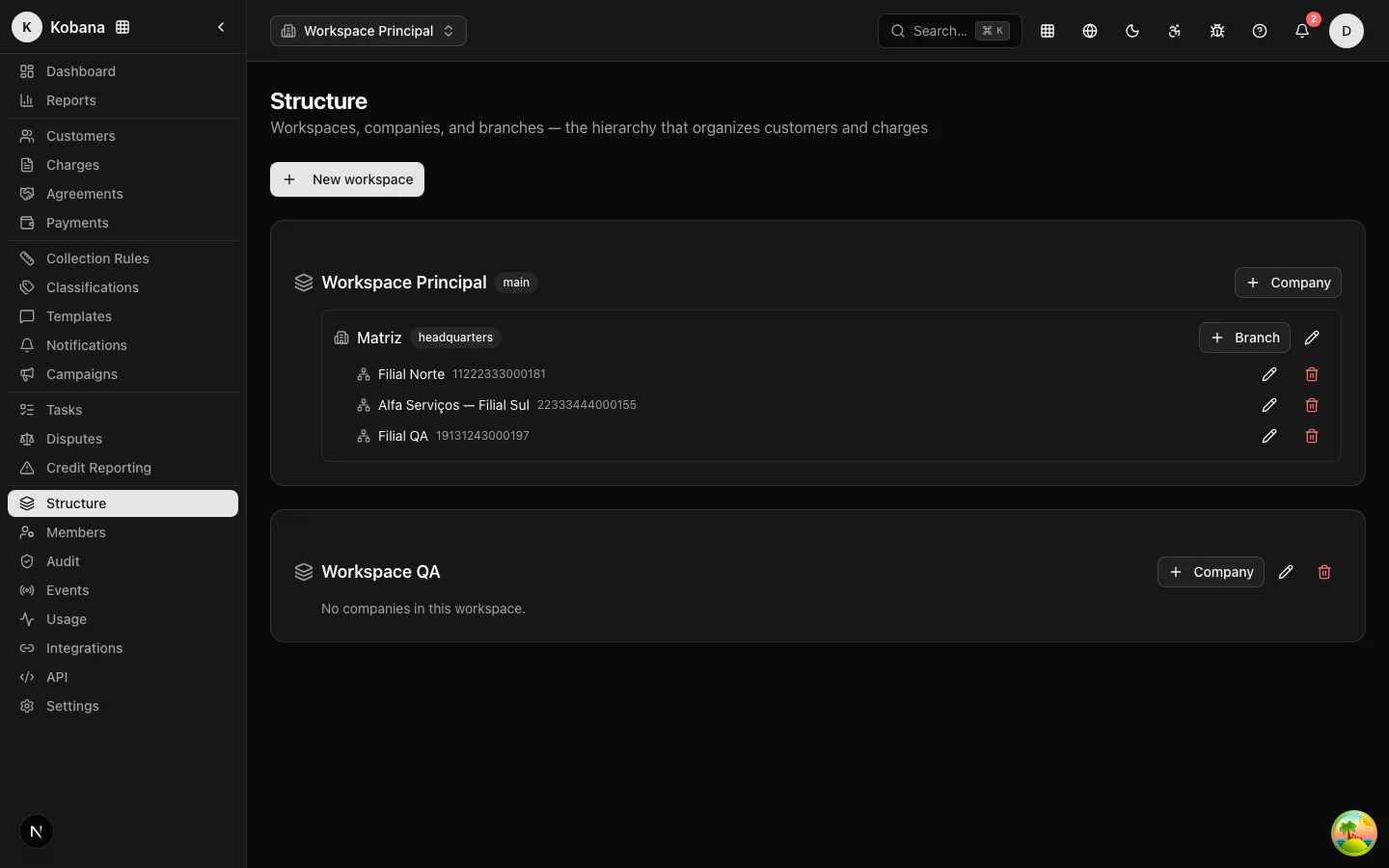
The hierarchy
Organization (your account)
└── Company          ← legal entity, with CNPJ (the "headquarters")
    └── Branch       ← business unit within the company
- Company: name and CNPJ (optional). The first company is the headquarters ("headquarters" badge).
- Branch (business unit): name and CNPJ (optional), created inside a company.
Simple accounts can live their whole life with a single company: nothing forces you to create levels you do not use. See also Concepts.
Creating and editing
On the screen: New company and New branch (inside the company); names require at least 2 characters. Renaming and editing the CNPJ is unrestricted; the change is reflected in the context selector and in communications. Creating, editing and deleting require the companies.manage permission, and everything goes into the audit trail.
The context selector
When the account has more than one company or at least one branch, the header gains a context selector (Company · Branch). The Headquarters option represents the company itself, with no branch filter.
Selecting a context:
- Filters the lists and the dashboard by the chosen unit (tasks, charges, metrics).
- Scopes record creation: what you create is born in the selected unit.
- Is stored for 1 year in the browser — you do not re-select on every login.
Email layouts per level
Each company and branch can point to its own email layout; resolution cascades (branch → company → organization default), which allows different brands per unit.
Deletion protections
Deletion is always reversible in the database (soft delete), but the system refuses removals that would break the operation:
| Situation | What happens |
|---|---|
| Deleting the headquarters company | Refused (DEFAULT_IMMUTABLE) |
| Deleting a company with branches | Refused (HAS_BRANCHES): remove the branches first |
| Deleting a company with customers or charges | Refused (COMPANY_IN_USE): reassign before deleting |
In the interface, the delete button does not even appear for the headquarters company — the protection exists at both layers, screen and API.