The product in 5 minutes
You are about to launch a collection operation with Collection Flow. This page gives you the minimum picture you need to make good decisions in the guides that follow: what the product does, with which parts, and under what promise.
What Dunning does
Dunning is a collection rule engine: it follows each charge from due date to payment, contacts the debtor at the right time through the right channel (email, SMS, or WhatsApp), records the responses, and closes out on its own when the money comes in. The promise boils down to four "nevers": no charge is ever forgotten, improperly repeated, kept alive after payment, or pursued outside the law — and every action (or non-action) is recorded and explainable.
Your daily work comes down to three things: keeping the customer portfolio up to date, making sure charges get into the system (manually, by spreadsheet, or through the API), and handling the exceptions the rule sets aside for human review.
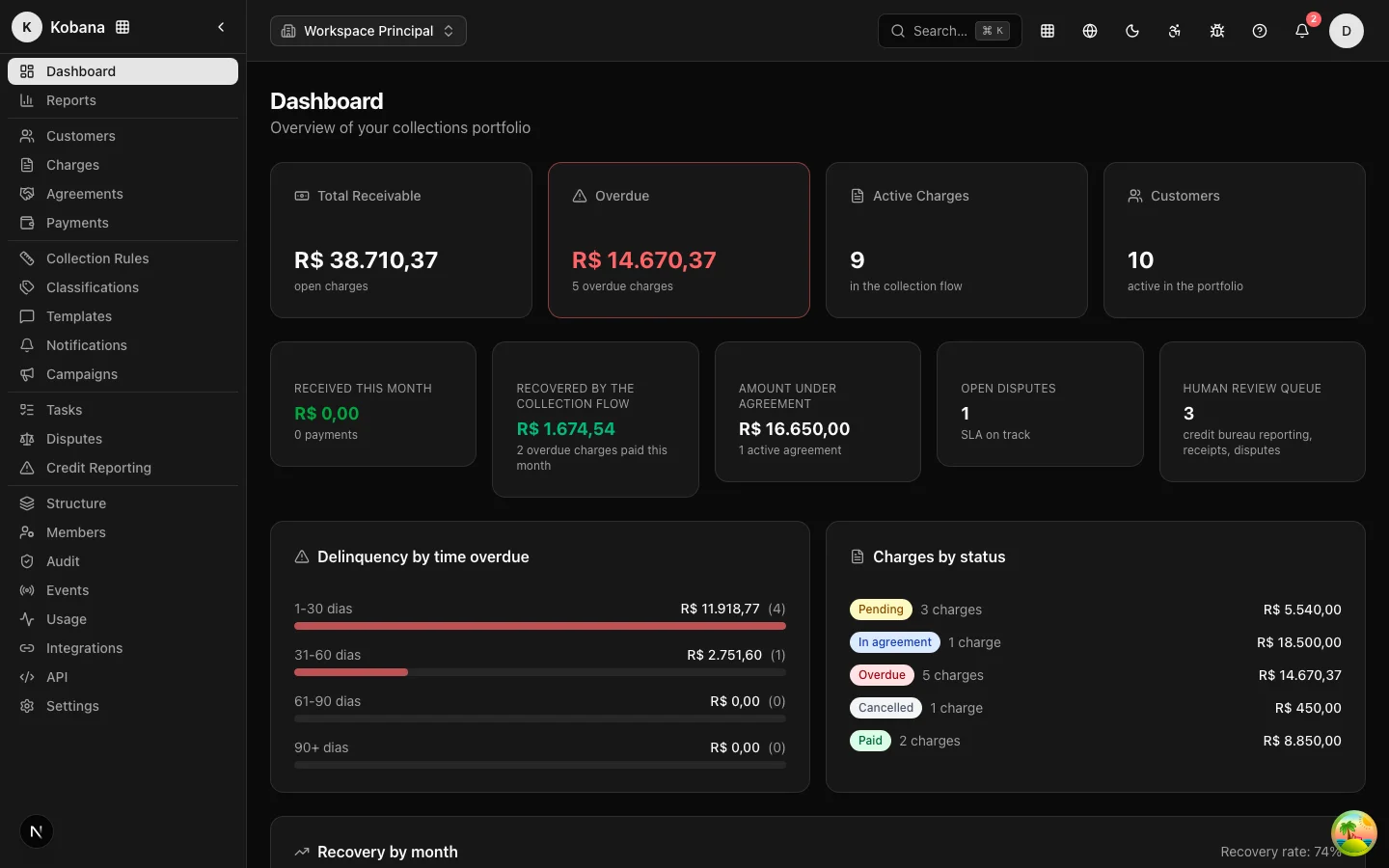
The parts, in one pass
- Customer — the person who owes. Document, emails, phone numbers, address, tags, and
external_id(the ID from your system, the deduplication key). - Charge — the receivable: amount, due date, customer, and status. Born Pending, becomes Overdue, and ends up Paid, Cancelled, Negotiated, or in a legal state.
- Collection rule — the sequence of steps anchored to the due date: a reminder at −3 days, a notice on the day, a firm message at +5, a settlement offer at +15. A rule can be marked as the Default: charges created without a rule enroll in it automatically.
- Step — one move of the rule: trigger (when), action (what), and channels (where), with a tone and a template.
- Version — the immutable snapshot of the rule at publication time. Whoever enrolled, enrolled into a photograph: editing the rule later does not change the plan of those already inside.
- Suppression — a recorded contact block (opt-out, "that's not me", dispute...). A suppression beats any step: the message does not go out, and the reason is recorded.
- Agreement — an installment plan with a discount, accepted by the operator or by the debtor on the portal. An accepted agreement takes the charge out of the rule.
- Dispute — the debtor's contestation. Opening a dispute pauses the rule immediately.
- Task — the team's work queue: receipt verification, credit bureau approval, manual follow-up.
- Debtor Portal — the secure, white-labeled page where the debtor reviews debts, simulates, and accepts agreements.
The full vocabulary is in Concepts.
How the engine works
An automatic check runs every day: it recalculates interest, fines, and days overdue; updates the status of charges past their due date; assigns the default rule to orphan charges; and fires the steps whose trigger has arrived. Immediately before every send, the compliance engine evaluates suppressions, legal hold, the legal contact-hour window of the debtor's state, and the per-person contact limits. A send outside the window is rescheduled, never silently dropped.
Events interrupt the rule immediately, without waiting for the next cycle: confirmed payment, "I already paid", payment promise, accepted agreement, opened dispute. And the serious actions — credit bureau registration, protest, legal escalation — never execute on their own: they create a pending record and a mandatory human-review task.
What this means for your launch
- You don't need to "operate" the rule: you need to prepare it well (steps, templates, channels) and leave it published.
- Portfolio quality matters more than step count: a customer without email and phone is a customer the rule cannot reach; a debtor without a state (UF) in the address falls into the conservative national window.
- Compliance is built in — your job is to feed it the data it needs (addresses, known suppressions) and review what lands in the human queue.
The journey in this guide
- Rollout: account and portfolio — structure, brand, and the customer and charge base.
- Rollout: rule and channels — design, publish, and turn on the channels.
- Integrator's guide — API, webhooks, and idempotency.
- Day-to-day operations — the operator's routine.
- Go-live checklist — what to verify before turning the rule on in production.