Disputes
When the debtor contests a charge — "I already paid", "I don't recognize this", "the amount is wrong" — continuing to collect is the worst possible move: it wears down the relationship, exposes the company legally and contaminates the evidentiary trail. That is why the dispute is a first-class object in the system: opening a dispute pauses the collection rule instantly and freezes every pending send, before any analysis.
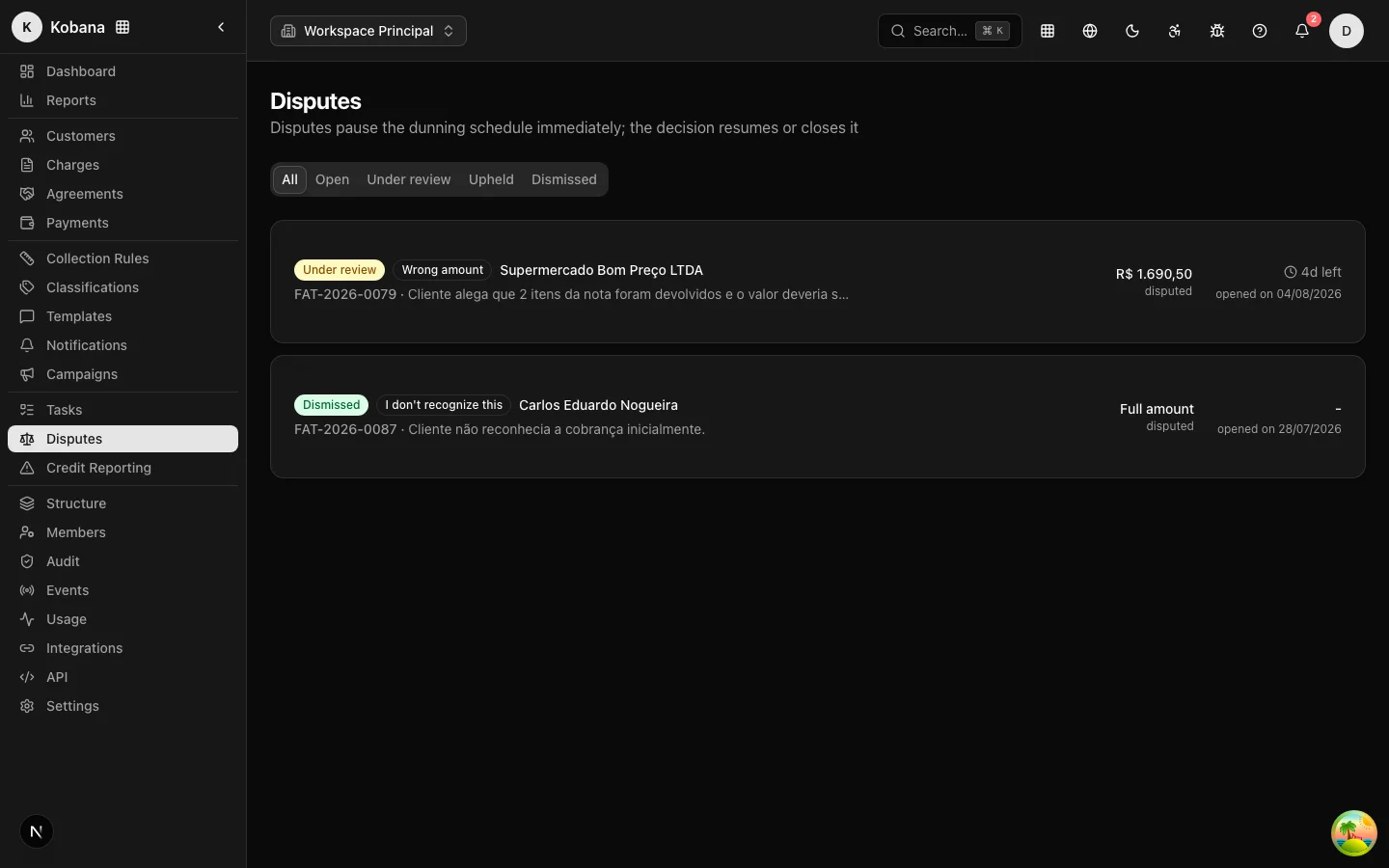
The 7 dispute types
| Type | Situation |
|---|---|
Already paid (already_paid) | The debtor claims the debt is settled |
Not recognized (not_recognized) | Denies the debt's existence/origin |
Wrong amount (wrong_amount) | Questions the amount charged |
Service not provided (service_not_provided) | The invoiced service was not delivered |
Incorrect invoice (incorrect_invoice) | Problem with the invoice (nota fiscal) |
Wrong recipient (wrong_recipient) | The boleto went to another person/department |
Other (other) | Any other reason, described in the statement |
The dispute can be full (the entire debt) or partial (a specific contested amount — the rest remains owed).
What happens on opening
When a dispute is opened (from the Disputes screen, via the API or from a debtor contact), the system immediately:
- Pauses the collection rule — the charge's enrollment becomes
pausedwith reasondispute_opened; scheduled and queued sends are suppressed. - Creates a typed suppression (
dispute) scoped to the debt — even if someone tries to fire something manually, the compliance engine vetoes it. - Records it on the customer's timeline and in the audit trail (who opened it, type, contested amount, statement).
- Emits the
dispute.createdwebhook to your systems.
Only one open dispute per charge exists: trying to open another returns the existing one, without duplicating effects.
Resolution SLA
Every dispute is born with a 5-day SLA (deadline customizable at opening). The dispute list shows the remaining time — and highlights disputes with a breached SLA. A stalled dispute is a stalled debt: nobody collects while it lives, so the SLA is your mechanism to keep the team from letting disputes age.
Each dispute can have a designated assignee (a member of your organization), shown on the dispute screen.
Dispute states
open ──► under_review ──► resolved_valid  (procedente)
  │            │     └──► resolved_invalid (improcedente)
  └────────────┴────► canceled
- Open (
open) — just registered, rule already paused; - Under review (
under_review) — someone took over the investigation ("Start review"); - Upheld / Rejected — decision made; see the effects in Resolution;
- Canceled (
canceled) — the dispute was withdrawn (e.g. opened by mistake); the suppression is revoked and the rule resumes from where it stopped.
Documents and evidence
The dispute accepts attached documents (proofs of payment, contracts, service orders) and a statement from the debtor. Gather everything before deciding: the reasoned decision and the evidence stay in the evidentiary trail — the material that sustains the collection if the discussion turns into a lawsuit.